

For my double page spread I will be creating a film strip to include some photos of my model. I will be researching on google images for film strip templates to use on my double page spread.


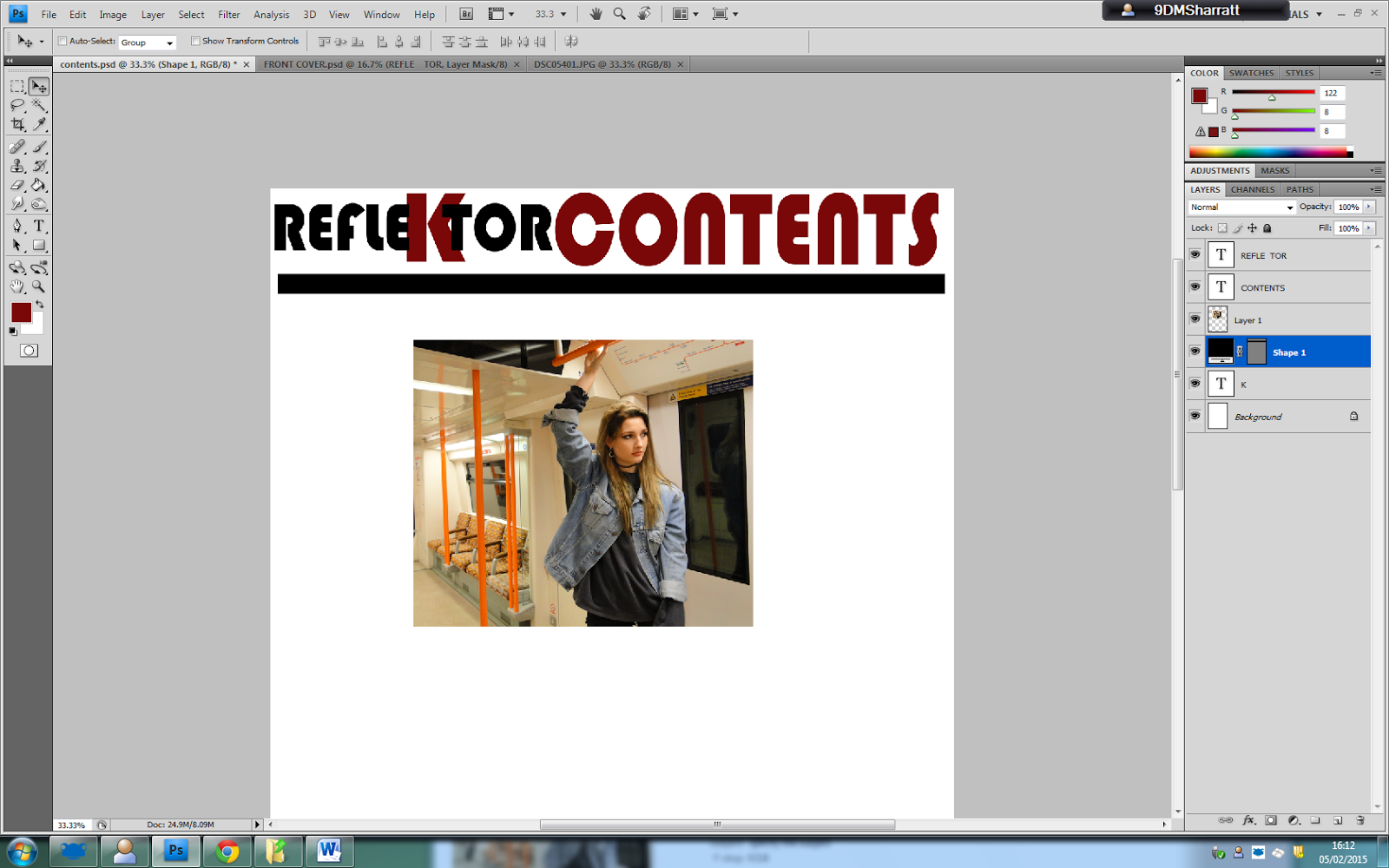

 Here i have added a black text box behind the word contents to make my contents page stand out to the reader. The red contrasts against the black, which is effective, when the reader studies the contents page.

 I am making an advert to present on my contents page to make the page appear more interesting and have more content.


 Here I have changed, "I am not a quitter ",to "Id like to think I am fearless", as i think it is far more professional, for my magazine. I have enlarged 'Fearless', so that it appeals to the reader.
  I have created my own barcode, to use on the front cover of my magazine. The barcode will include details to do with the magazine, like the date and price.
